
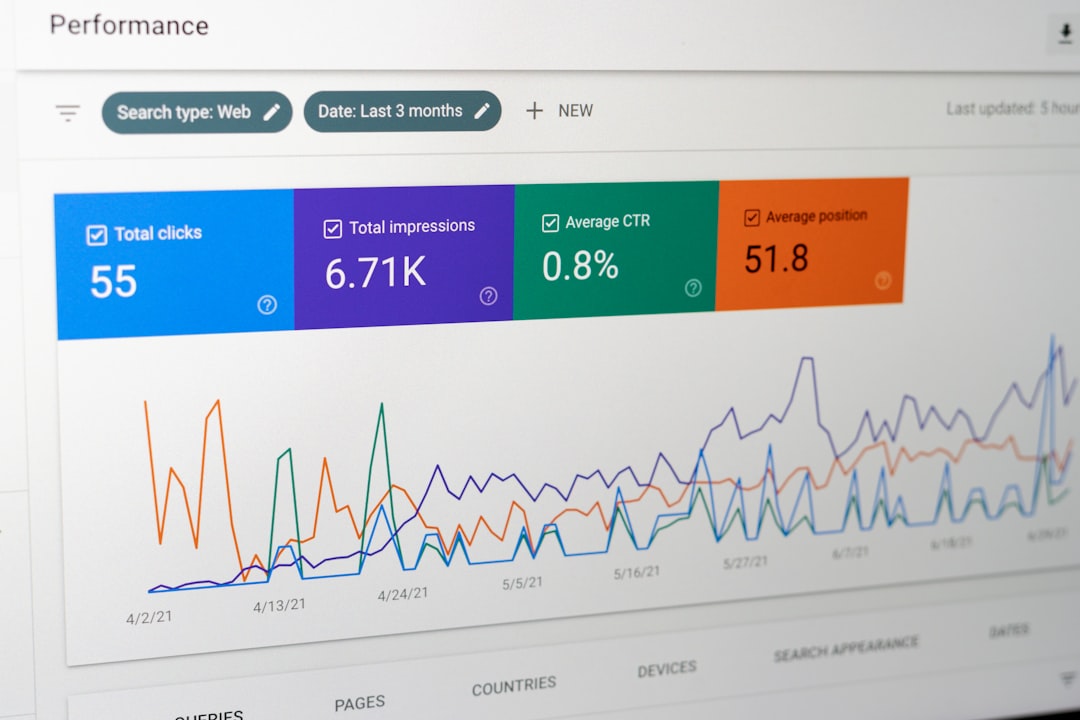

Images are a critical component of every business website, but if they are not properly optimized, they can drag down your search rankings and drive visitors away with slow load times. For NYC small businesses competing for visibility in local search results, learning image optimization for SEO is one of the most impactful yet frequently overlooked strategies you can implement. Every image on your website represents an opportunity to improve your rankings, attract more organic traffic, and provide a better user experience for your customers. In this comprehensive guide, we will walk you through everything you need to know about image optimization for SEO, including practical image optimization techniques, from file formats and compression to alt text and structured data, so your business website performs at its best in search engines.
Why Image Optimization Matters for SEO
Page Speed and Search Rankings
Google has made it abundantly clear that page speed is a ranking factor, and images are typically the single largest contributor to page weight on any website. Unoptimized images can add megabytes of unnecessary data to your pages, causing them to load slowly on both desktop and mobile devices. According to Google’s Core Web Vitals, metrics like Largest Contentful Paint directly measure how quickly the largest visible element on a page loads, and that element is often an image. When your images are properly optimized, your pages load faster, your Core Web Vitals scores improve, and Google rewards you with better search visibility.
User Experience and Bounce Rates
Slow-loading images do not just hurt your SEO rankings. They also frustrate your visitors and increase bounce rates. Research from Think with Google shows that as page load time increases from one second to three seconds, the probability of a visitor bouncing increases by 32 percent. For NYC businesses where customers have countless alternatives just a click away, every second of load time matters. Optimizing your images ensures that visitors see your content quickly and stay engaged long enough to convert into customers.
Google Image Search Traffic
Many business owners forget that Google Image Search drives significant traffic on its own. When your images are properly optimized with relevant file names, alt text, and structured data, they can appear in Google Image Search results and bring additional visitors to your website. For visually oriented businesses like restaurants, retail stores, interior designers, and real estate agents in Manhattan and Brooklyn, Google Image Search can be a powerful source of qualified traffic that many competitors completely ignore.
Choosing the Right Image File Format
JPEG for Photographs
JPEG remains the best format for photographs and complex images with many colors and gradients. It offers excellent compression ratios that reduce file size significantly while maintaining acceptable visual quality. For most product photos, team headshots, and location images on your NYC business website, JPEG is the right choice. The key is finding the right balance between file size and image quality, which typically falls between 70 and 85 percent quality in most image editing software.
PNG for Graphics and Transparency
PNG is the preferred format for graphics, logos, icons, and any image that requires transparency. While PNG files tend to be larger than JPEGs, they offer lossless compression that preserves every detail in the image. Use PNG for your business logo, infographics, screenshots, and any image with text overlays or sharp edges where JPEG compression would create visible artifacts.
WebP for Modern Performance
WebP is a modern image format developed by Google that provides superior compression for both photographs and graphics. According to Google’s documentation on WebP, this format produces files that are 25 to 35 percent smaller than equivalent JPEG images at the same visual quality. Most modern browsers support WebP, making it an excellent choice for businesses that want to maximize performance. Many WordPress plugins and content delivery networks can automatically convert your images to WebP format and serve them to compatible browsers.
SVG for Vector Graphics
SVG files are ideal for logos, icons, and simple illustrations that need to scale perfectly at any size. Because SVG is a vector format, the files are typically very small and render crisply on any device, from a smartphone to a large desktop monitor. If your NYC business uses custom icons or a logo with clean lines and solid colors, SVG is the most efficient and visually sharp format available.
Image Optimization: How to Compress Without Losing Quality
Lossy vs. Lossless Compression
Understanding the difference between lossy and lossless compression is fundamental to effective image optimization. Lossy compression reduces file size by permanently removing some image data, which can result in a slight loss of quality that is usually imperceptible to the human eye. Lossless compression reduces file size without removing any data, preserving the original quality perfectly but achieving smaller file size reductions. For most web images, lossy compression at 75 to 85 percent quality offers the best balance of file size and visual quality.
Tools for Image Compression
Several excellent tools are available for compressing images before uploading them to your website. Desktop applications like Adobe Photoshop and GIMP give you precise control over compression settings. Online tools like TinyPNG and Squoosh provide quick and easy compression for individual images. For WordPress websites, plugins like ShortPixel, Imagify, and Smush can automatically compress images as you upload them, ensuring that every image on your site is optimized without requiring manual intervention. According to web.dev’s image performance guide, implementing automated image optimization is one of the most effective ways to maintain consistently optimized images across your entire website.
Resize Images to the Correct Dimensions
One of the most common mistakes business owners make is uploading images that are far larger than necessary. If your website displays an image at 800 pixels wide, there is no reason to upload a 4000-pixel-wide original. The browser will download the full-size image and then resize it for display, wasting bandwidth and slowing down the page. Always resize your images to match the maximum display dimensions on your website before uploading. WordPress does generate multiple sizes automatically, but starting with an appropriately sized original ensures the best performance.
Writing Effective Alt Text for Images
What Alt Text Is and Why It Matters
Alt text, short for alternative text, is a written description of an image that serves multiple important purposes. It provides context for search engines that cannot see images the way humans do, it appears in place of an image when the image fails to load, and it is read aloud by screen readers for visually impaired users. Writing effective alt text is one of the most important aspects of image SEO because it directly tells Google what the image depicts and how it relates to your content.
Best Practices for Writing Alt Text
Good alt text is descriptive, concise, and relevant to both the image and the surrounding content. Aim for alt text that is between 5 and 15 words long and naturally incorporates your target keyword when appropriate. Avoid keyword stuffing, which means cramming multiple keywords into the alt text in an unnatural way. According to Google’s image SEO guidelines, the best alt text focuses on describing the image accurately while providing useful context. For example, instead of writing “image” or “photo,” write something like “NYC small business owner reviewing website analytics on laptop” which is both descriptive and relevant to your target audience.
Alt Text for Decorative Images
Not every image on your website needs descriptive alt text. Decorative images that serve no informational purpose, such as background textures, dividers, or purely aesthetic elements, should have empty alt attributes. This tells screen readers to skip over these images and prevents cluttering the experience for visually impaired users. Reserve your descriptive alt text for images that convey meaningful information or support your content.
Optimizing Image File Names for Search
Before you upload any image to your website, take a moment to rename the file with a descriptive, keyword-rich name. Search engines use file names as an additional signal to understand what an image depicts. A file named “IMG_20260407_001.jpg” tells Google nothing, while a file named “nyc-small-business-website-design.jpg” clearly communicates the subject matter. Use hyphens to separate words in your file names, keep them concise but descriptive, and include relevant keywords where they fit naturally. This simple step takes seconds but can make a meaningful difference in how your images perform in search results.
Implementing Lazy Loading for Better Performance
Lazy loading is a technique that delays the loading of images until they are about to enter the viewport as the user scrolls down the page. Instead of loading every image on the page at once, lazy loading ensures that only the images visible to the user are loaded initially, significantly reducing initial page load time and conserving bandwidth. Modern browsers support native lazy loading through the loading=”lazy” attribute, and WordPress has built this feature into its core since version 5.5. For NYC business websites with image-heavy pages like portfolios, galleries, or product catalogs, lazy loading can dramatically improve both page speed and user experience without sacrificing visual quality.
Using Structured Data for Images
Structured data, also known as schema markup, provides search engines with additional context about your images and content. By implementing image-related structured data using the guidelines from Google Search Central, you can help your images appear in rich results, knowledge panels, and other enhanced search features. For product images, recipe images, and article images, structured data can include details like the image creator, license, and caption that help Google understand and display your images more effectively in search results.
Key Takeaways for Image Optimization
Optimizing images for SEO is not a one-time task but an ongoing practice that should be built into your content workflow. Here are the essential points to implement on your NYC business website today.
First, always choose the right file format for each image. Use JPEG for photos, PNG for graphics with transparency, WebP for maximum compression, and SVG for vector graphics like logos. Second, compress every image before uploading and resize it to the correct display dimensions. Third, write descriptive, keyword-rich alt text for every informational image on your site and leave decorative images with empty alt attributes.
Fourth, rename your image files with descriptive, hyphen-separated names before uploading. Fifth, implement lazy loading to improve initial page load times on image-heavy pages. Sixth, consider adding structured data to help your images appear in Google’s rich results. Finally, regularly audit your existing images to identify image optimization opportunities that you may have missed.
Let IL WebDesign Optimize Your Website for Search
Image optimization is just one piece of a comprehensive SEO strategy, but it is a piece that many NYC businesses overlook. At IL WebDesign, we build and optimize websites for small businesses across Manhattan, Brooklyn, Queens, and all of New York City with performance and search visibility as top priorities. Every website we create includes properly optimized images, fast load times, and search-friendly code that helps your business get found online.
If your website is loading slowly or your images are not working hard enough for your SEO, contact us today for a free website audit and consultation. Let us help you turn your images into a competitive advantage.
References
web.dev — Image Performance Guide
Google Search Central — Image SEO Best Practices
Google Developers — WebP Image Format